An atmospheric scene
A paper flower opens on a dark wooden table. Soft window light from the left, locked camera at table height. One continuous shot, calm movement, no people or lettering.
VIZURAI / WORKFLOWS / 06
Build a short clip around one event. Establish the scene, then the action and camera movement. Plan separate clips for a longer story.
Create a video scene ↗TEMPLATE VIDEO
A published example from the VIZURAI template catalogue.
Open source template ↗These are example input texts, not guaranteed results. Adapt them to your materials and selected model.
A paper flower opens on a dark wooden table. Soft window light from the left, locked camera at table height. One continuous shot, calm movement, no people or lettering.
A fictional matte pink speaker without a logo on a graphite podium. A narrow strip of light slowly crosses the body. The camera gently pushes in; the object stays still. No cuts or text.
Exact words, fine physical actions and consistent characters may need several attempts. Budget for each new submission. Verify audio, resolution and duration for each selected model.
Do not include passwords, identity-document details or other people’s personal data without an appropriate basis. The connected AI provider receives the materials needed for the task. Automatic masking does not detect all sensitive content in text, images or audio.
Transfers and retention periods →Duration is limited by the selected model. Split longer stories into scenes and assemble them in an editor.
No. Audio depends on the model and settings. You can prepare separate narration in the voice studio.
Open the tool and check the available model and settings. Pricing is shown before confirmation. Submission requires an account; new accounts cannot be created while registration is closed. Viewing this guide and copying examples do not start a generation.
PricingYOUR TURN
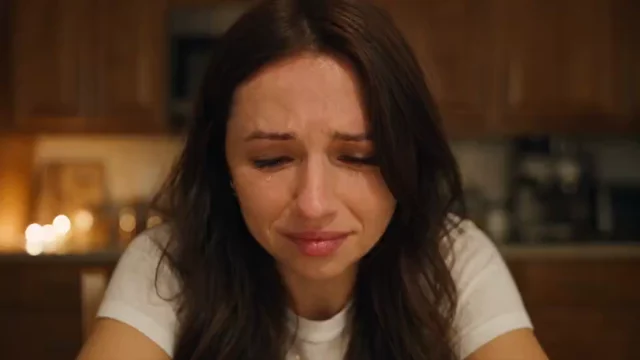
VIDEO
Start with one action: a leaf moving, a changing reflection or a slow camera push. Fewer simultaneous changes make the result easier to evaluate.
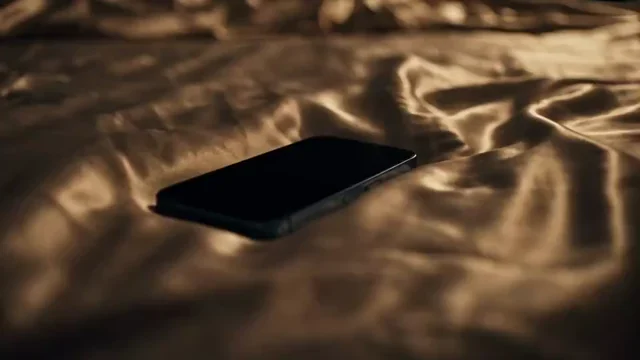
AUDIO
A good voiceover starts with speakable text. Shorten long sentences, plan pauses and check names before generating the full recording.
AUDIO
Describe the music’s role: support narration, build anticipation or close a scene. Tempo, density and instruments make a genre description more useful.